Look behind the TV or under the desk and you might find one blinking box, or two connected by a short cable. Most people call all of it “the Wi-Fi” or “the router”, and that works fine until something goes wrong and the support agent asks you to restart the modem.
Understanding the router vs modem difference takes about two minutes, and it makes troubleshooting your internet a lot less confusing. Here is the plain-English version.
What a modem does
The modem is your home’s connection to the internet. It takes the signal that comes in from your internet provider, through a phone line, a coaxial cable or a fiber optic cable, and translates it into a form your devices can use.
The name comes from modulator-demodulator, which describes that translation job. Fiber connections often use a box called an ONT (optical network terminal) that does the same job for fiber.
A modem on its own usually gives you a single internet connection, typically through one Ethernet port. It does not create a Wi-Fi network, and it does not share the connection between devices.
What a router does
The router takes that single connection from the modem and shares it with all the devices in your home. It:
- Creates your Wi-Fi network, with its name and password.
- Gives each device a local IP address, so your phone, laptop and TV can all be online at once.
- Directs traffic, making sure the video you requested on your laptop goes to your laptop and not to your phone.
- Adds a layer of protection with a built-in firewall that blocks unsolicited traffic from the internet.
In short, the modem brings the internet into your home, and the router spreads it around.
Do you need both?
You need both functions, but not necessarily two boxes. Many internet providers now supply a single combo unit (sometimes called a gateway or hub) that is both a modem and a router.
How to tell what you have:
- One box with Wi-Fi details on the label, connected straight to the wall: almost certainly a combo unit.
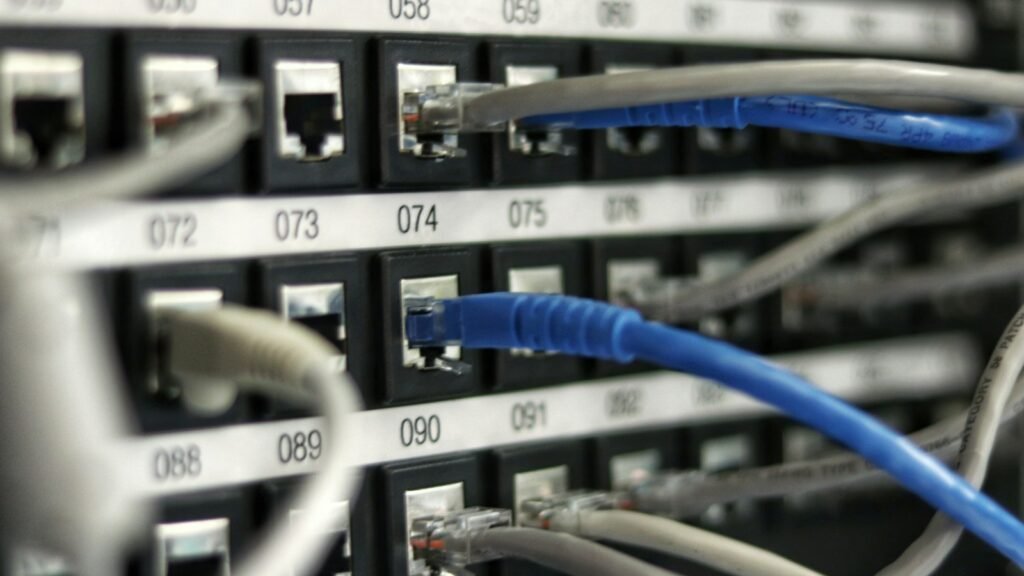
- Two boxes, one connected to the wall and the other connected to it with an Ethernet cable: the one on the wall is the modem (or ONT), and the other is the router.
Pros and cons of separate devices
A combo unit is simple, takes less space and is usually provided by your internet company. But separate devices have a few advantages:
- Better Wi-Fi: a good standalone router, or a mesh Wi-Fi system, often covers a home far better than an all-in-one box.
- Easier upgrades: you can upgrade your router for faster Wi-Fi without touching the modem.
- More control: standalone routers often offer better parental controls, guest networks and security updates.
If you add your own router to a provider’s combo unit, you may need to put the combo unit into bridge mode (or modem-only mode). This avoids two routers fighting each other, a situation called double NAT that can cause problems with gaming and video calls.
Why the difference matters when the internet breaks
Knowing which box does what helps you find the problem faster:
- Only Wi-Fi devices are offline, but a device plugged in with a cable works: the issue is on the router or Wi-Fi side.
- Nothing works, even with a cable: the problem is likely the modem or the provider. Check the modem’s lights, usually labeled something like Internet, Online, DSL or PON.
- One device cannot connect but others can: the problem is that device. Guides like our Wi-Fi connected but no internet on Windows 11 fix can help.
When restarting, turn off the modem first, then the router. Turn the modem back on, wait until its lights settle, then turn on the router.
Quick tips for a better connection
- Place the router in a central, open spot, not in a cupboard or on the floor.
- Change the default admin password and use WPA2 or WPA3 security for Wi-Fi.
- Keep the router’s firmware up to date.
For more ways to improve speed, see our guide on how to speed up your home Wi-Fi, and if you forgot the network password, here is how to find your Wi-Fi password.
Quick recap
In the router vs modem question, the modem connects your home to the internet, and the router shares that connection with your devices and creates your Wi-Fi. Many homes have one combo box that does both. Knowing which part does what makes it far easier to work out where a connection problem is coming from.