
AI assistants like ChatGPT, Google Gemini, Microsoft Copilot and Claude can write, summarize, explain, brainstorm and even help with code. Used well, they can save you hours every week. Used carelessly, they can give you wrong information or put your private data at risk. AI assistants can save you hours when you use them the right way.
Tested by Ayzaz Khan: I followed the steps in this guide on my Lenovo ThinkPad (Intel Core i7, 5th generation) running Windows 11 and on my iPhone 14 Pro Max, and they worked as described. Last checked: September 2026.
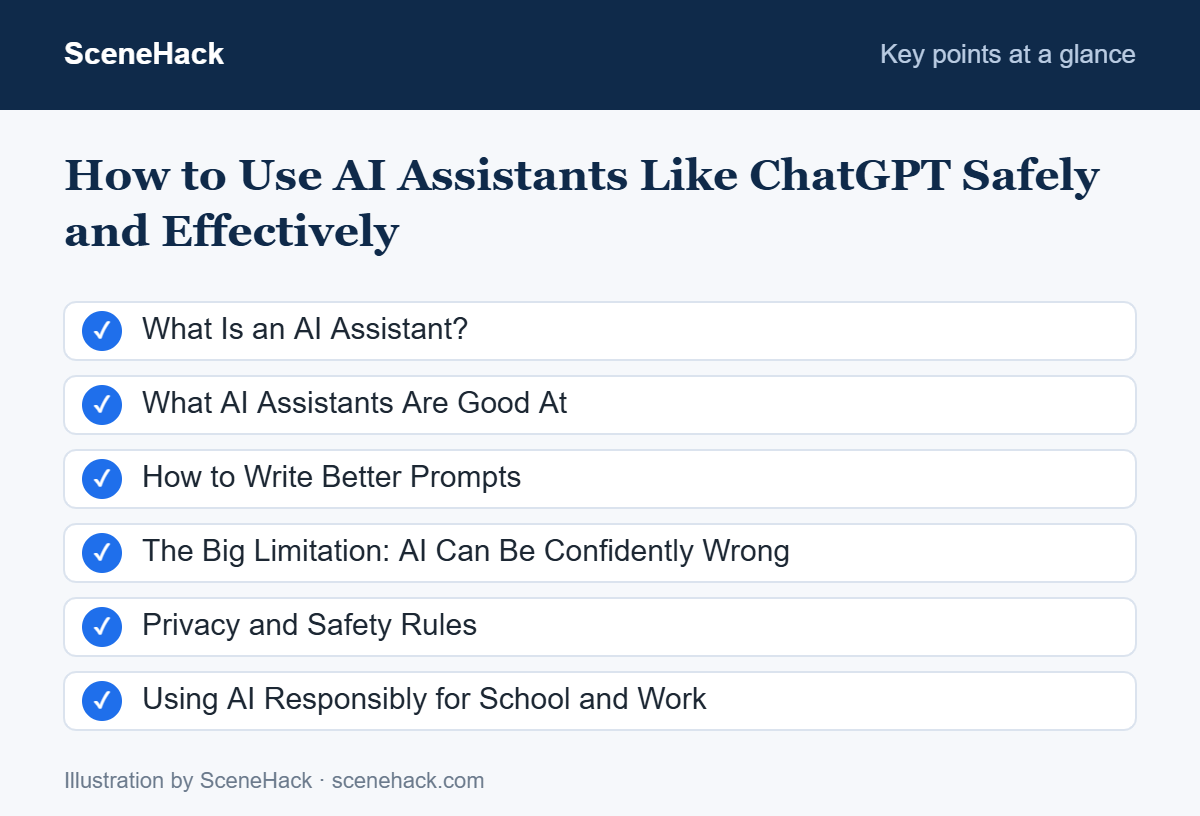
This guide covers what AI assistants are good at, how to write better prompts, and the safety rules everyone should follow.
What Is an AI Assistant?
An AI assistant is a program powered by a large language model (LLM) — software trained on huge amounts of text to understand and generate human-like language. You type (or speak) a request, and it responds in plain language. Many assistants can also read documents and images, search the web, or create charts.
What AI Assistants Are Good At
- Explaining things simply: “Explain how inflation works like I’m 15.”
- Drafting and editing: emails, cover letters, social posts, outlines.
- Summarizing: long articles, reports or meeting notes.
- Brainstorming: ideas for projects, names, gifts or blog topics.
- Learning and practice: quizzes, flashcards and step-by-step explanations.
- Planning: study schedules, trip itineraries, meal plans.
- Everyday tech help: spreadsheet formulas, troubleshooting steps, simple code.
How to Write Better Prompts
The quality of the answer depends heavily on how you ask. Use this simple formula:
“You are a friendly career coach. Rewrite my cover letter for a junior marketing role. I have one year of internship experience in social media. Keep it under 250 words and use a confident but warm tone.”
Prompting Tips That Work
- Be specific. “Write a short email” → “Write a polite 3-sentence email asking my manager to move our meeting to Thursday.”
- Give examples of the style or format you want.
- Ask for a structure: a table, bullet points or step-by-step list.
- Iterate. Follow up with “make it shorter,” “more formal,” or “give me three alternatives.”
- Ask it to check itself: “What might be wrong or missing in this answer?”
The Big Limitation: AI Can Be Confidently Wrong
AI assistants sometimes produce information that sounds convincing but is incorrect — including fake statistics, wrong dates or non-existent sources. This is often called “hallucination.”
- Always verify important facts, numbers and quotes using trusted sources.
- Be extra careful with medical, legal and financial topics — use AI to understand concepts, but consult a qualified professional for decisions.
- Check whether the assistant can access current information; some answers may be out of date.
Privacy and Safety Rules
Treat anything you type into an AI tool as something that could be stored. Follow these rules:
- Never share passwords, OTP codes, bank or card numbers, or ID numbers.
- Don’t paste confidential work data unless your company has approved the tool for that use.
- Review privacy settings. Many assistants let you control whether your chats are used to improve their models, and let you delete your history.
- Watch out for fake AI apps and websites imitating well-known assistants. Download apps only from official app stores and developer websites. Our guide on spotting phishing scams can help.
Using AI Responsibly for School and Work
Many schools, universities and employers now have rules about AI use. Always check your institution’s policy. A good approach is to use AI as a tutor or assistant — to explain, give feedback and help you plan — rather than submitting AI-written work as your own. Your own understanding is what counts in exams and interviews.
Troubleshooting: Common Problems and Fixes
Answers are vague or generic
Add context: who you are, what the answer is for, the format you want, and any limits (length, level, tone). Pasting a short example of the output you want usually improves the result more than rewording the question.
It cites sources that don’t exist
AI assistants can produce convincing but fake titles, links and quotes. Ask for links, open every one, and prefer a mode that searches the web when accuracy matters. If a source cannot be found, treat the claim as unverified.
It forgets your instructions in a long chat
Very long conversations can push early instructions out of focus. Start a new chat, paste a short summary of what matters, and restate key rules (for example “use British spelling” or “no bullet points”).
The information is out of date
Models are trained on data up to a cut-off date. For prices, laws, software versions or news, ask the assistant to search, or check the official source yourself before relying on the answer.
What We Found When Testing
We use AI assistants regularly on our ThinkPad and our iPhone 14 Pro Max, and the habits in this guide come from that everyday use. The most important one: always double-check facts, figures and technical steps against an official source before relying on an answer.
Using AI Assistants: Common Questions
Which AI assistant is the best?
Each has strengths, and they improve quickly. Try two or three with the same task and see which one works best for you. Many offer free versions.
Will AI replace my job?
AI is changing many jobs by automating routine tasks. People who learn to use it well are often more productive, so building AI skills now is a smart investment.
Sources and further reading: UK NCSC: ChatGPT and large language models — what’s the risk?.
Using AI Tools With Good Judgment
AI assistants are powerful everyday tools. Be specific in your prompts, verify anything important, and never share sensitive personal information. Combined with the right productivity apps, they can transform how you study and work. Used carefully, AI assistants are powerful helpers for study, work and everyday questions.