Shopping for a laptop means wading through specs: processor, storage, screen, and a line that says 8 GB or 16 GB of RAM. Salespeople tend to wave at it vaguely. But RAM has a bigger effect on how fast a computer feels day to day than almost anything else on that list.
So what is it, and how much RAM do you need? Here is a plain-English answer.
What RAM is, in simple terms
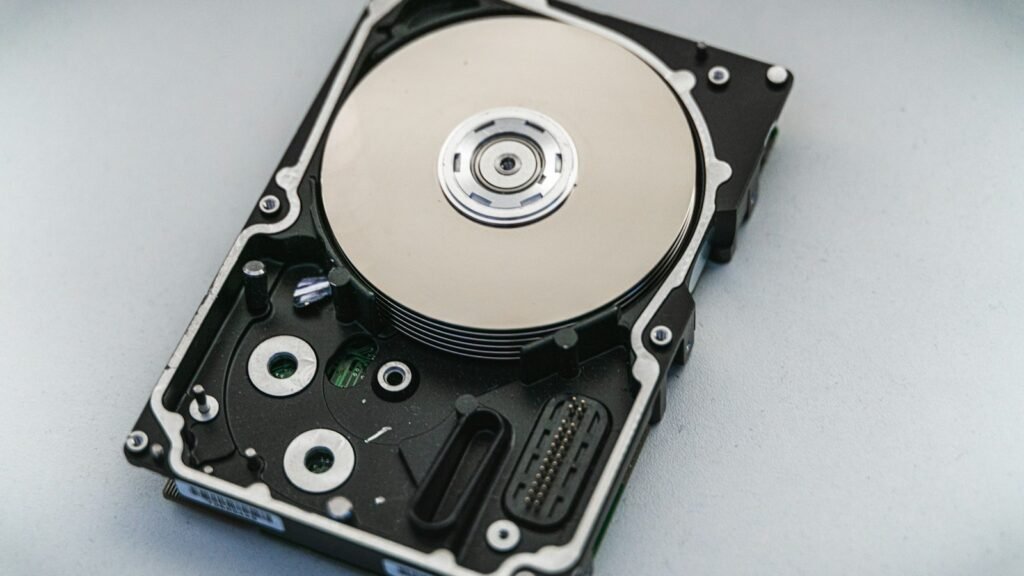
RAM stands for Random Access Memory. Think of it as your computer’s desk. Your storage drive (SSD or hard drive) is the filing cabinet where everything is kept long term. When you open an app or a file, the computer takes it out of the cabinet and puts it on the desk so it can work on it quickly.
A bigger desk means you can have more things open and within reach at the same time. A small desk means the computer keeps putting things back in the cabinet and pulling them out again, which is slow. That is why a computer with too little RAM feels sluggish when you have lots of tabs and apps open.
RAM is also temporary. Everything on it is cleared when you shut down, which is why unsaved work disappears if the power goes off.
RAM vs storage: the common mix-up
People often confuse RAM with storage because both are measured in gigabytes. A phone advertised with “8 GB + 256 GB” has 8 GB of RAM and 256 GB of storage. Storage is where your photos, apps and files live. RAM is the working space used while things are running. More storage lets you keep more stuff. More RAM lets you do more at once without slowing down. If you are weighing up storage types, our article on SSD vs HDD covers that side.
How much RAM do you need for a laptop or desktop?
Here is a practical guide for Windows PCs in 2026.
- 4 GB: the bare minimum Windows 11 will install on. It works for one or two things at a time, but modern browsers alone can use most of it. Avoid buying a new computer with 4 GB.
- 8 GB: fine for light use: browsing with a handful of tabs, email, documents, streaming video and video calls. It starts to struggle once you multitask heavily.
- 16 GB: the sweet spot for most people. Plenty of browser tabs, Office apps, photo editing, casual gaming and multitasking without slowdowns. If you want a laptop to last five years, this is the safe choice.
- 32 GB: for serious gaming, 4K video editing, music production, running virtual machines or working with large datasets.
- 64 GB and up: professional workloads like heavy 3D rendering, large-scale video projects or local AI models.
Macs manage memory efficiently, but the same broad guidance applies, and since RAM on most Macs and many thin laptops cannot be upgraded later, it is worth buying a bit more than you think you need.
How much RAM do you need on a phone?
Phones use RAM to keep apps open in the background so switching between them is instant.
- Android: 6 GB is fine for basic use, 8 GB is comfortable for most people, and 12 GB or more is mainly useful for heavy gaming and keeping lots of apps ready.
- iPhone: Apple does not advertise RAM, and iOS is tuned so tightly to its hardware that comparing numbers with Android is not very meaningful.
How to check how much RAM you have
On Windows 11, open Settings > System > About and look at Installed RAM. For live usage, open Task Manager (Ctrl + Shift + Esc), go to Performance, and click Memory. If it regularly sits above 80 to 90 percent while you work, you would likely benefit from more.
Can you add more RAM?
Many desktops and some laptops have slots you can upgrade. Search for your exact laptop model plus “RAM upgrade” to see whether the memory is soldered or replaceable and what type it uses (DDR4 or DDR5, for example). Upgrading from 8 GB to 16 GB is one of the cheapest ways to breathe new life into an older PC.
If upgrading is not an option, closing unused tabs, trimming startup apps and following our tips to speed up a slow Windows 11 PC will help you get the most from what you have. For official minimum specs, see Microsoft’s Windows support site.
Quick recap
RAM is your computer’s short-term working space, separate from storage. For most people, 16 GB is the right amount on a new laptop or desktop, 8 GB is fine for light use, and 32 GB is for gaming and creative work. Check your usage in Task Manager, and if it is constantly maxed out, more RAM will make the biggest difference.